
Your week, exactly as it is
Give each day as many time slots as you need, and label them Lunch, Dinner or Brunch. Open past midnight? That works too. Same hours every day? Set Monday and copy it to the rest of the week in one click.
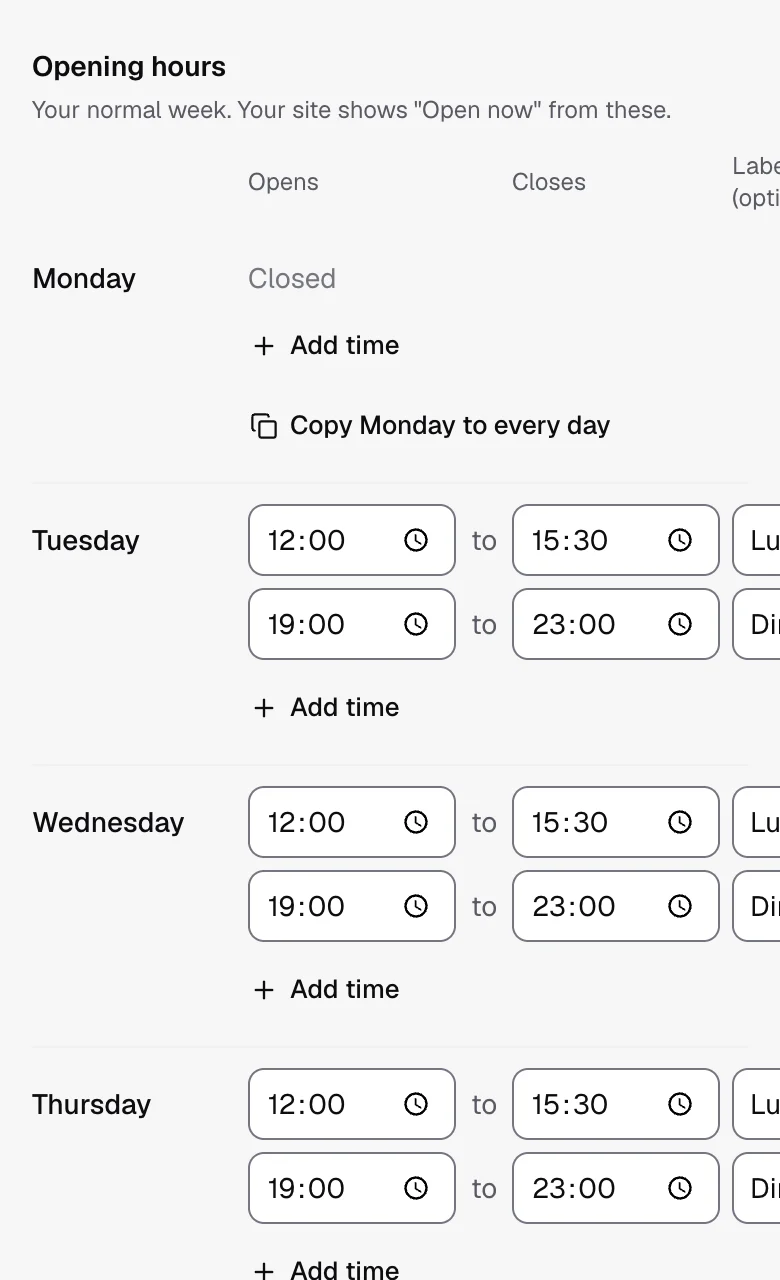
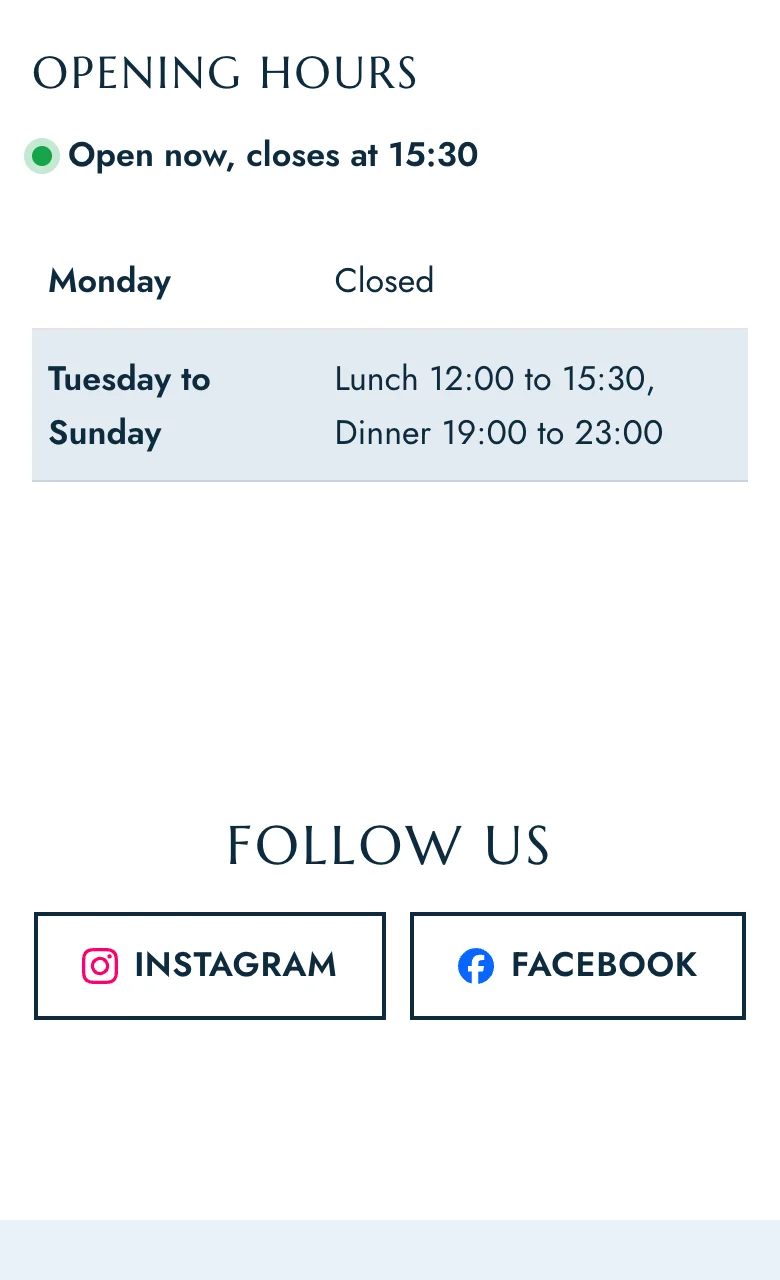
Set your weekly hours once, add your seasons and holidays, and your site always shows the right hours and an accurate "Open now", even on Christmas Eve.
Give each day as many time slots as you need, and label them Lunch, Dinner or Brunch. Open past midnight? That works too. Same hours every day? Set Monday and copy it to the rest of the week in one click.
Many places open longer in summer. Add a season with its dates and its own week, and your site changes over on the right day without you touching it.
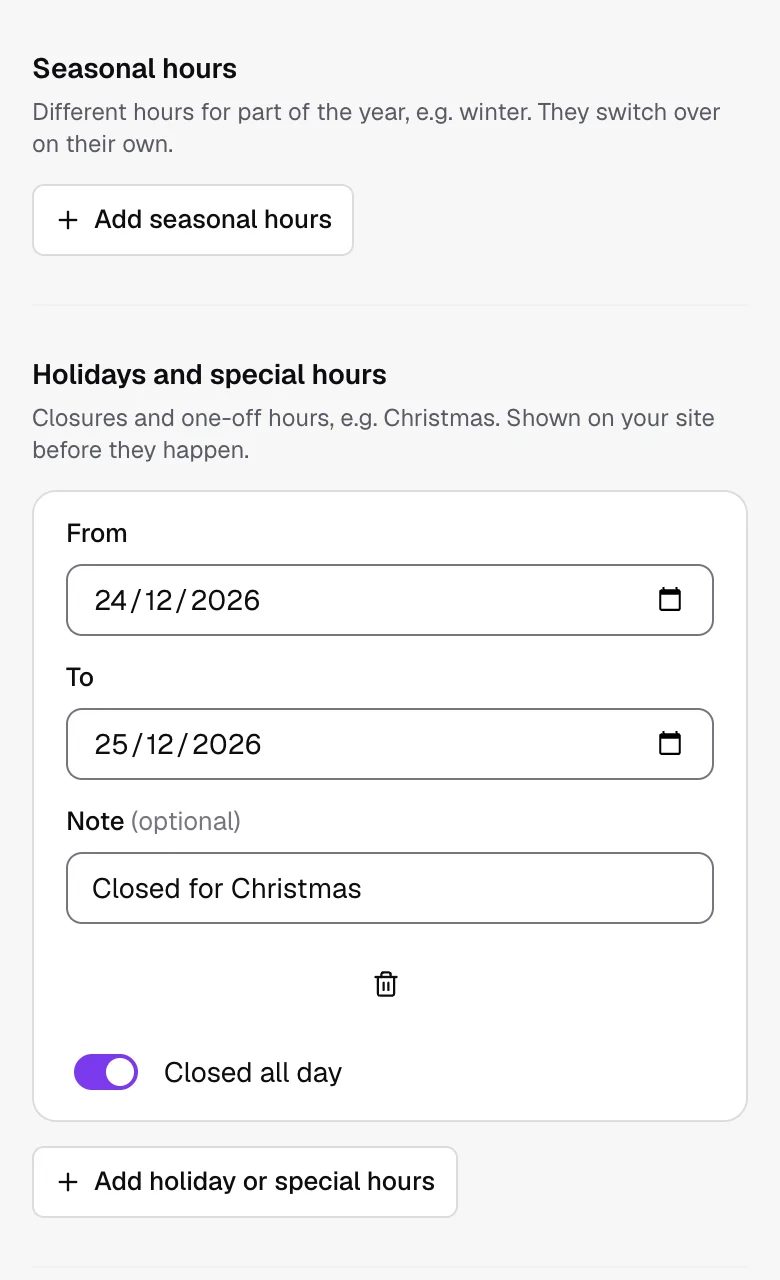
Closed on a public holiday, open late for New Year's Eve, closed for a private event? Add the dates and the times, with a short note for guests. Your site shows upcoming closures ahead of time and goes back to normal by itself.
Your site tells guests "Open now, closes at 23:00" or "Closed, opens at 12:00", worked out in your venue's time zone with seasons and holidays included. The same hours are shared with Google in the format it reads.
Yes. Every location has its own week, seasons and holidays (several locations are on Pro and Group).
In the opening hours section, in your footer, beside your booking form if you like, and in the information Google reads.
No. Hours go live as soon as you save.
Leave the day empty and your site shows it as closed.