Table booking requestson your restaurant website.

Guests send a booking request from your site and it lands in your email, or your site shows the button of the booking system you already use. Either way, Octablò never takes a commission.

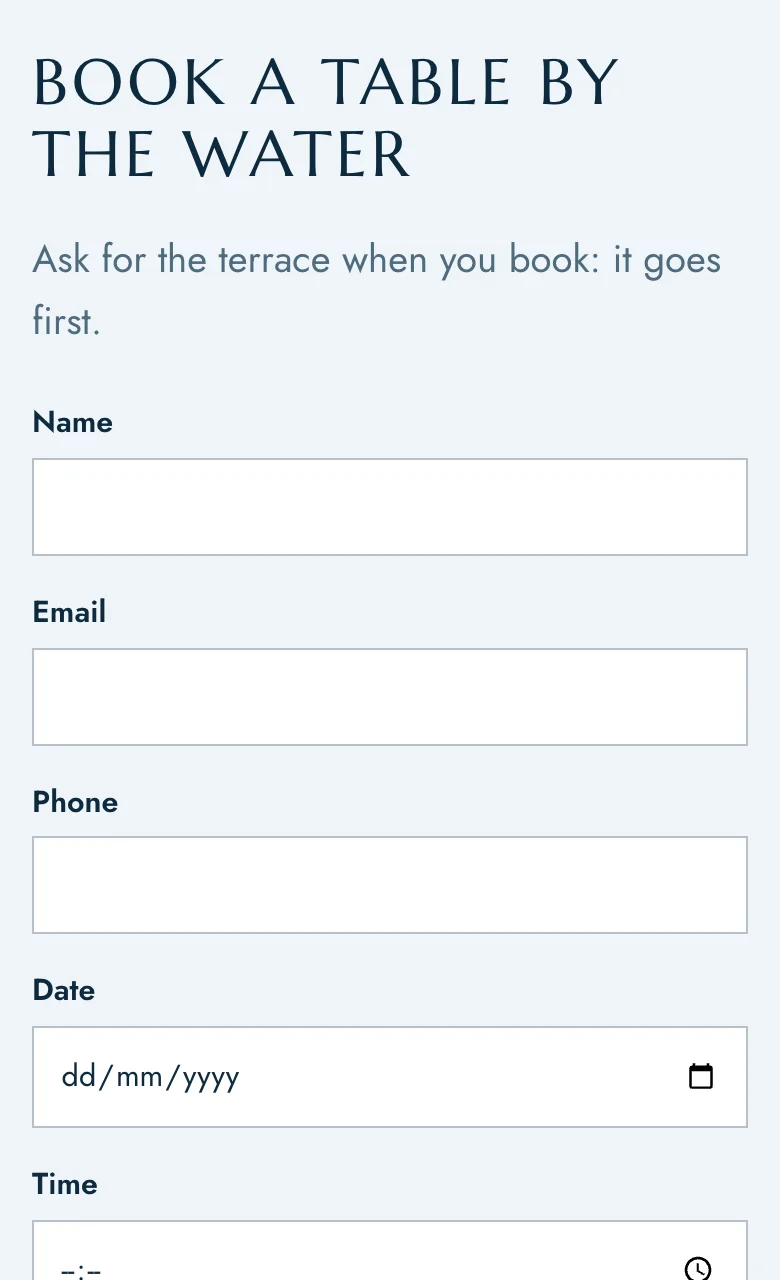
The booking request form on a restaurant site, on a phone
Booking settings in Octablò: request form, email address, largest group and notice needed

In short

  • Three ways to book: a request form, your booking system, or a phone call.
  • Works with 13 named booking systems, and any other with a link.
  • Requests go to the right venue's email.

Feature overview.

A booking form that emails you

Guests choose a date, a time and how many people, add their details and a note, and press send. The request arrives in your inbox with everything you need, and replying goes straight to the guest. You decide the largest group you take online and how much notice you need.
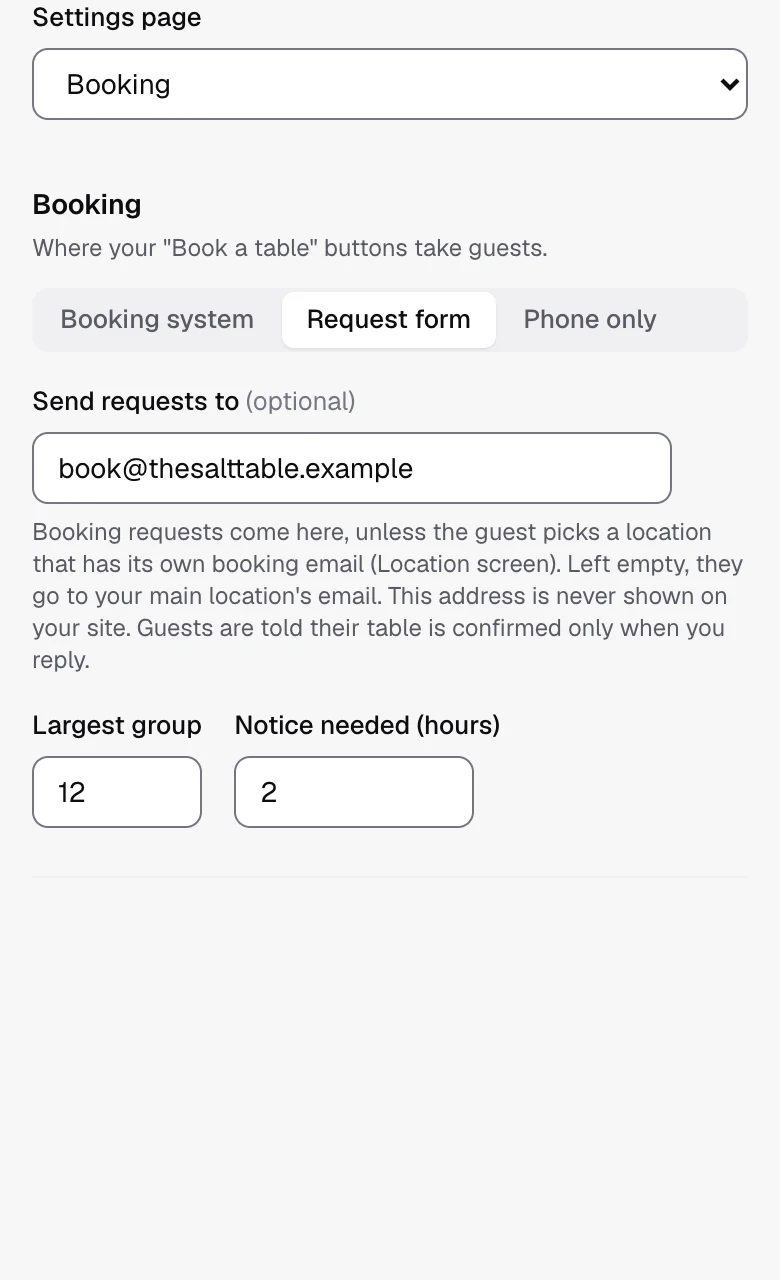
Setting where requests go, the largest group and the notice needed

Already use a booking system? Keep it.

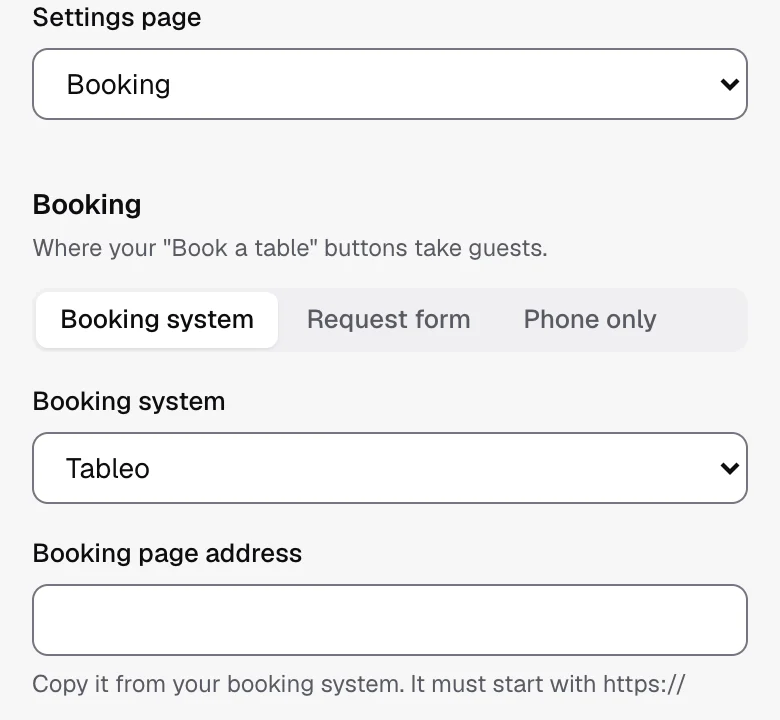
Show a "Book a table" button, or place the booking widget right on your page. Octablò works with Tableo, SevenRooms, Bookia, OpenTable, ResDiary, TheFork, EasyTable, Eat App, TableIn, Quandoo, Resy, Tock and DesignMyNight, and any other system with a booking link.

Choosing a booking system in Octablò

Book from anywhere on your site

Add a booking section, put a Book button in your header, and on phones a Book button stays in reach at the bottom of the screen. Any button on your site can open your booking, call you, or open WhatsApp.

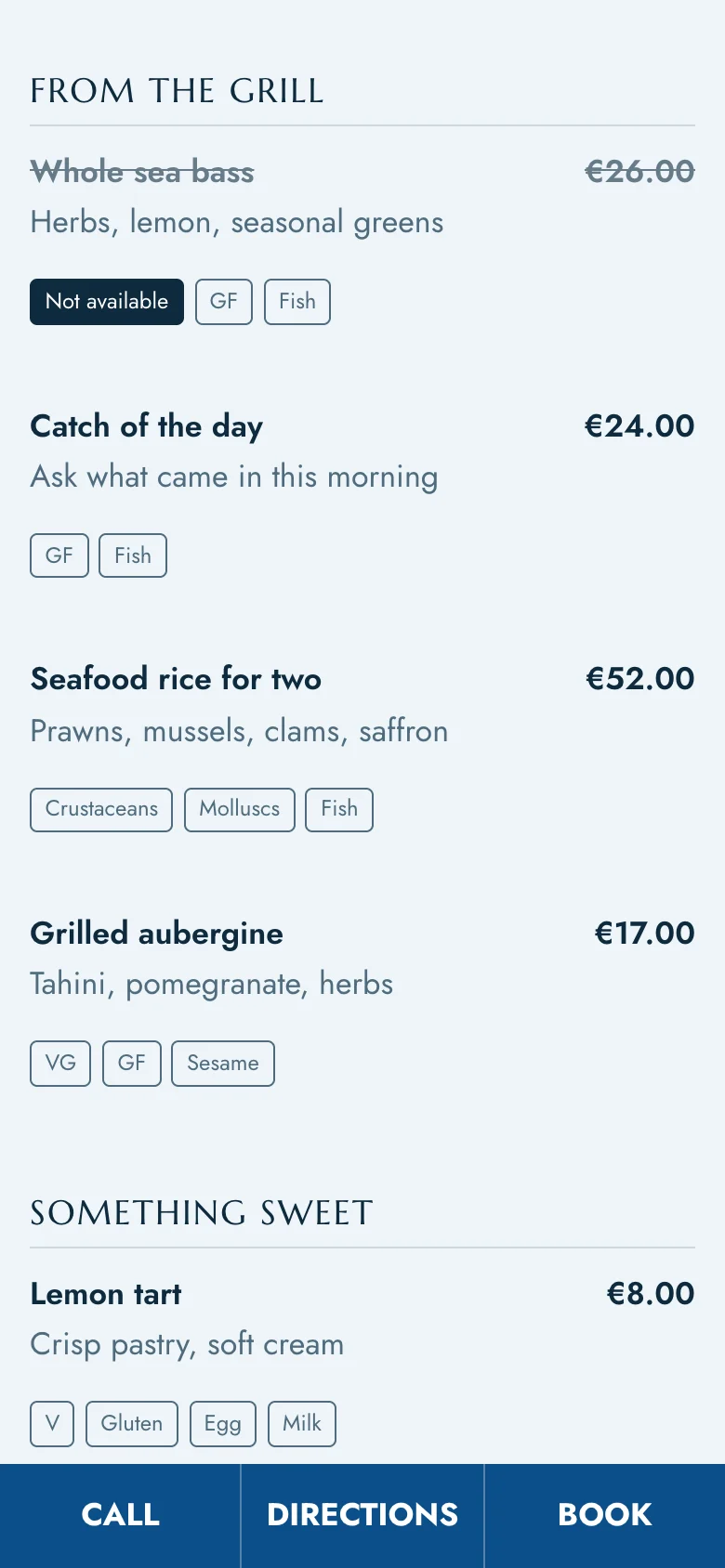
The Call, Directions and Book bar on a restaurant site, on a phone

Several venues? Every request finds its way.

With more than one location, guests choose which venue they're booking, and the request goes to that venue's booking email.

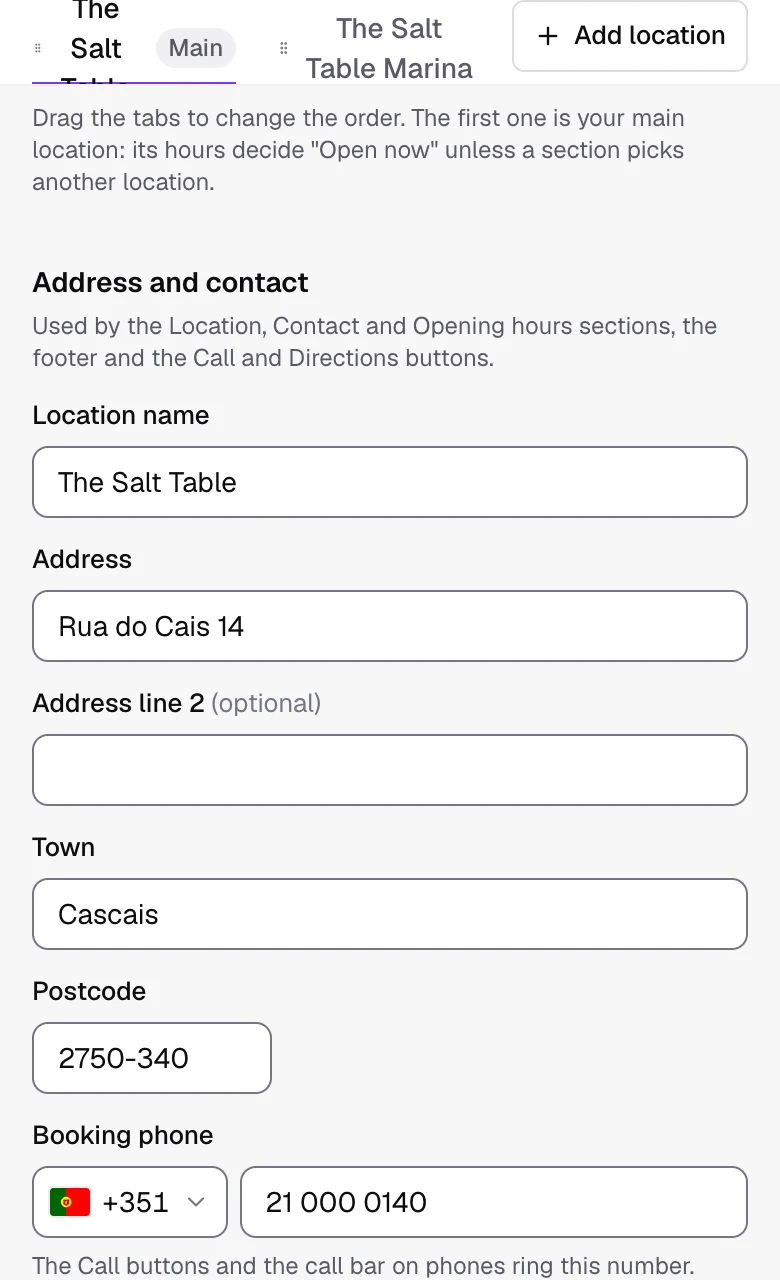
Two venues as tabs on the Location screen, each with its own contact details

Which plans include it.

Free€0 /monthStart free RecommendedEssentials€19 /monthStart 30-day trial Pro€39 /monthStart 30-day trial Group€79 /monthStart 30-day trial
Booking system button or widget
Booking request and contact forms
See every plan

Questions? Answers.

  • No. Guests are told their table isn't confirmed until you reply, so you stay in control of your floor.

  • Never. No commission and no per-cover fees.

  • Yes. Choose phone only, or add Call and WhatsApp buttons anywhere.

  • Yes, with spam protection that doesn't make guests solve puzzles.

  • Yes. Every form has a short consent tick, linked to your privacy page.